 Mindcool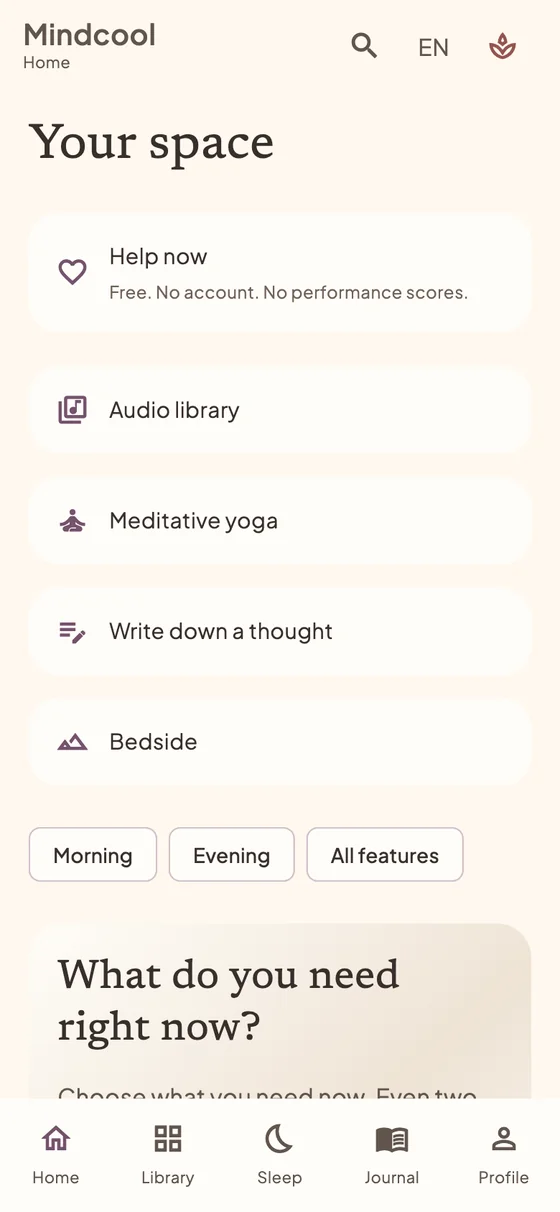
First visit and your own space
Use Mindcool free in a desktop or tablet browser. Local features need no account. Wide screens have a sidebar; smaller screens use bottom navigation.
- Choose your language. To keep notes, create an encrypted vault and store its key securely.
- To try the app, continue without saving. In Profile, choose a warm light or dark appearance.
My moment: when you do not know where to start
A short guided activity helps you choose a manageable next step.
- From Home, find your moment and choose your current need and available time.
- Follow the practice at your own pace and record your experience. Return to what helps you in the insights view; programmes offer follow-up steps.
A breathing break
The breathing sphere provides a visual rhythm for a short pause.
- Open the breathing exercise, choose an available setting and start. Follow the guidance only at a comfortable pace.
- Pause or stop whenever you wish. You can follow it with a short journal entry.
Sensory grounding and quiet mode
When words feel too much, focus on your surroundings and simple choices.
- Open sensory grounding in Library. Follow the on-screen steps for sight, touch, hearing and smell.
- You may add a reflection afterwards. If you do not want to write, choose the no-energy-to-talk option on Home.
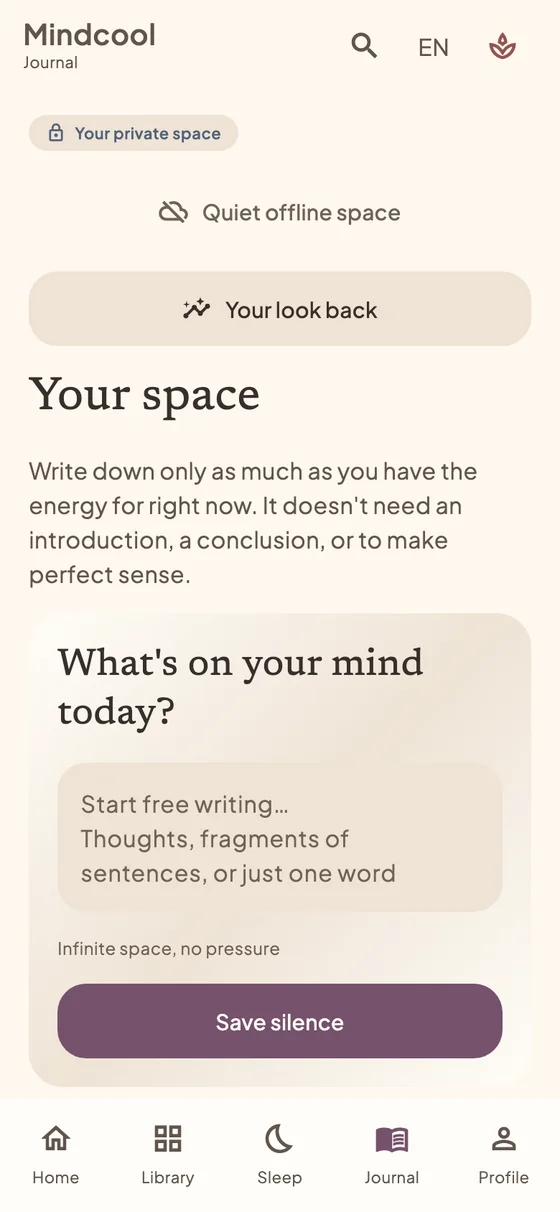
Journal: from a thought to an entry
A private space for your own words and revisiting your experiences.
- Open Journal and a new entry or suggested prompt. Write in the editor and save.
- Return to the list to check your entry. Deleted entries remain in Trash until permanently removed.
Mood and looking back
Brief check-ins help you notice connections between days and activities.
- Choose a mood on Home or open the mood check-in and complete the steps.
- Review your entries in the looking-back and what-helps-you views alongside your activities.
Attention map and Academy
The map introduces meditation topics and helps you choose a practice based on your experience.
- Open the Attention map, read a topic and choose a short practice. Record your observations and obstacles afterwards.
- In the Academy, take a short lesson, answer questions and return for the suggested review.
Morning awakening
A gentle start with a short ritual and an intention for the day.
- Open morning awakening from Home or the sidebar and follow the morning ritual.
- Record your mood or a small intention. Find reminder settings in Profile.
Evenings, stories and sounds
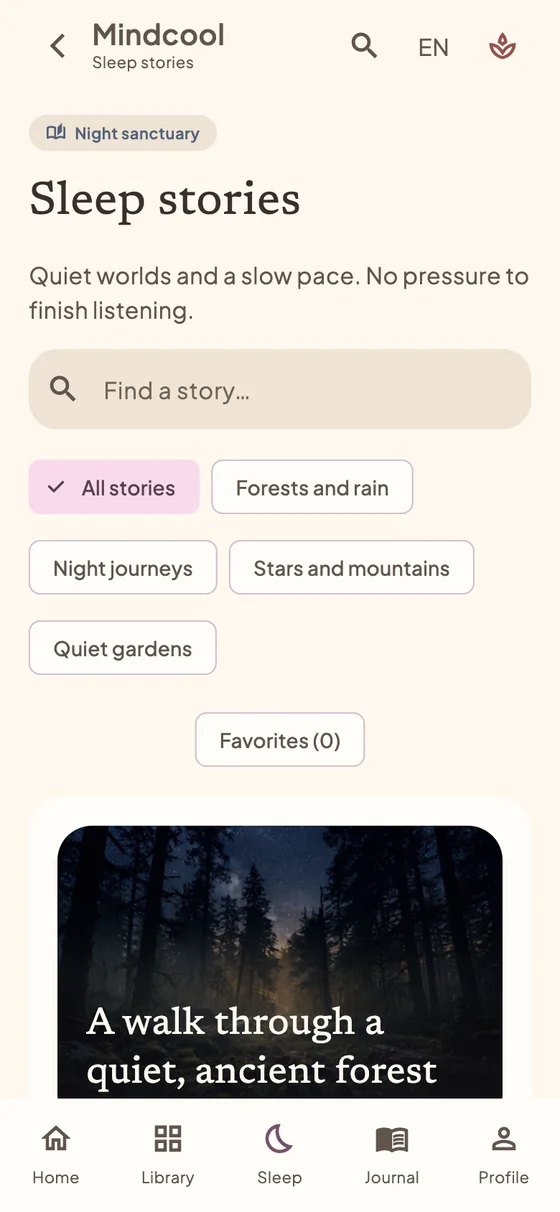
Night mode brings together short stories, layered sounds and a dim appearance.
- I want to sleep → My evening → Start my evening. Set thoughts aside → natural breathing → story → sounds. The text is not saved unless you choose to save it to your journal.
- Open Nokturno in the night soundscape. Choose forest, rain, stream or singing bowl; adjust layers, master volume and the timer. Save your combination under My mixes. Add a published recording or scene in the Audio library. Music stays in the shared player when you move to another tab. Use Save offline for recordings that permit downloads.
Movement, meditation and body awareness
Short activities bring movement and quiet attention into an ordinary day.
- In Library, choose movement, meditation or the body awareness map and select a practice.
- Follow the text at your own pace. Skip or stop any movement that feels uncomfortable.
Saving, backup and restore
Encryption does not prevent loss if browser data is deleted. Keep a separate encrypted backup.
- In Profile, open Backup and restore. Create a backup, store its recovery key separately and verify that the file was saved outside the device.
- To restore, select the file and enter its key. Read what will be replaced; export your current data first.
Installation, offline use and updates
Mindcool can run in its own window or from a tablet home-screen icon. It is a web app, not a new EXE or DMG installer.
- Use the app toolbar or the Chrome/Edge installation menu. Safari on Mac offers Add to Dock; on iPad use Share → Add to Home Screen.
- While connected, select Use offline and wait for confirmation. When an update is announced, save your work, close all app windows and reopen it.
Availability and integrations
This guide describes Mindcool web app 0.12.0. Local activities need no subscription or account.
- Start with the journal, moods, guided activities, Attention map or night section. For devices, check the actual connection status shown in the app.
- Find mobile releases in the main website download section. The older Android test APK does not automatically include current web features.
Common questions
Do I need to pay or register?
Not for the available local web features. To keep entries, create a vault rather than using only a temporary session.
Will my notes appear on another computer automatically?
No. The local vault does not sync automatically. Use an encrypted export and restore with its key; restoring may replace data on the destination device.
What if the app will not load or sound will not play?
Check your connection if you have not prepared the offline package. Retry loading after an error. Start audio with a click and check volume. Do not clear site data as the first step: you could lose your vault.
I need human support
Mindcool supports personal wellbeing; it does not diagnose conditions or replace professional care. In immediate danger, contact your local emergency number; in the EU, call 112.
Open crisis support ↗